
Hub documentation
Downloading datasets
Downloading datasets
Integrated libraries
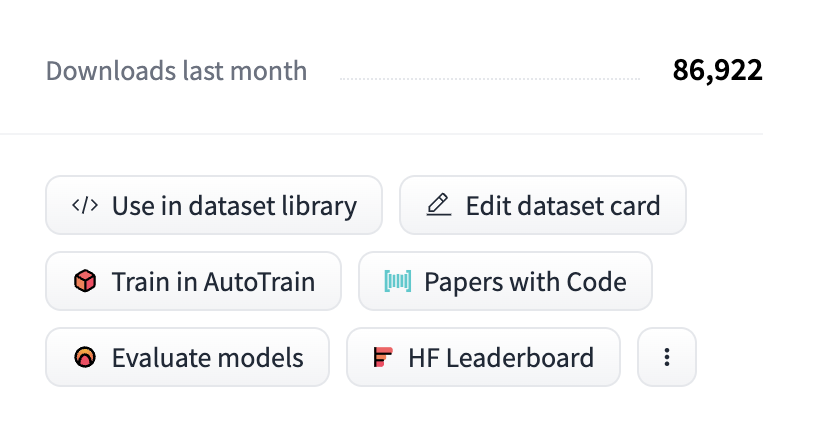
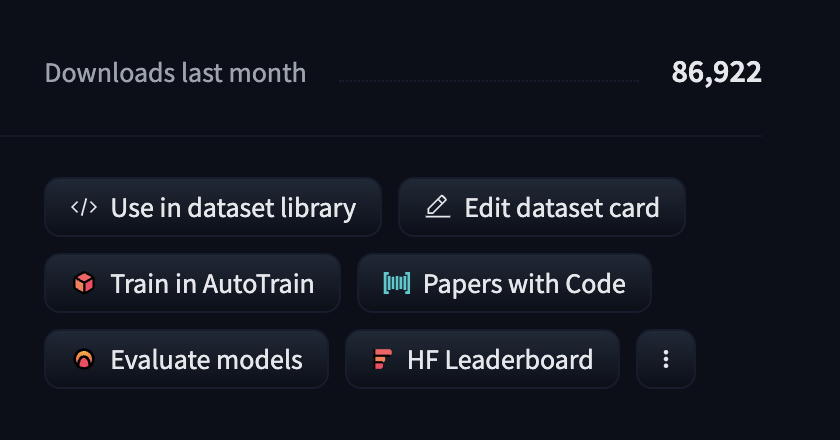
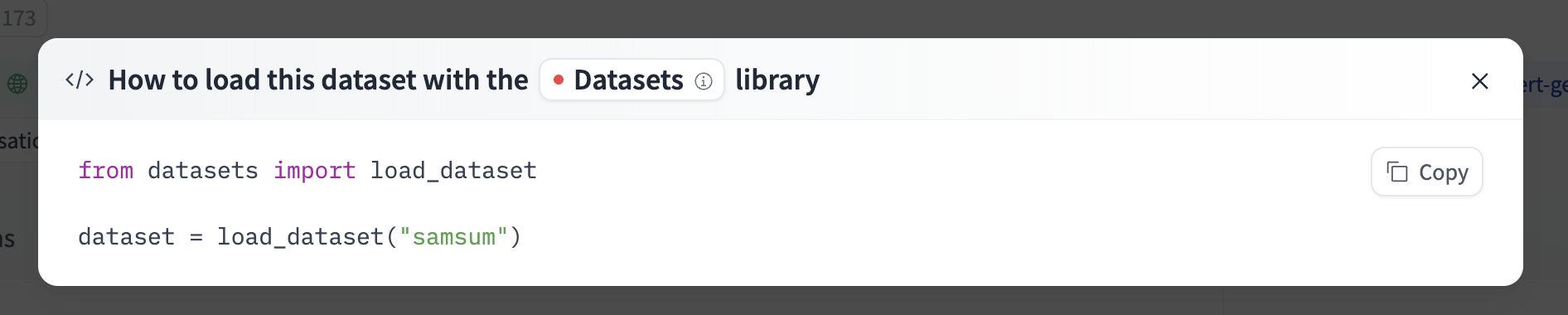
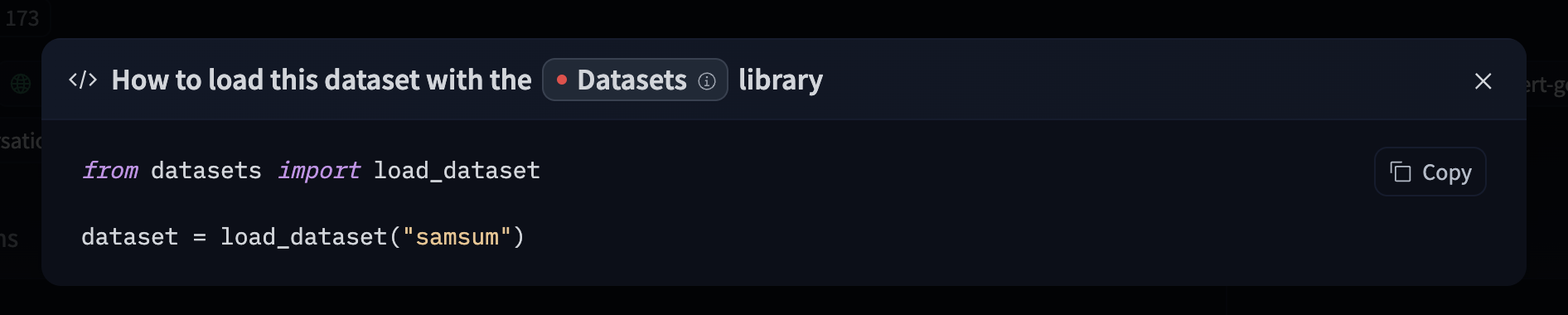
If a dataset on the Hub is tied to a supported library, loading the dataset can be done in just a few lines. For information on accessing the dataset, you can click on the “Use this dataset” button on the dataset page to see how to do so. For example, samsum shows how to do so with datasets below.
Using the Hugging Face Client Library
You can use the huggingface_hub library to create, delete, update and retrieve information from repos. For example, to download the HuggingFaceH4/ultrachat_200k dataset from the command line, run
hf download HuggingFaceH4/ultrachat_200k --repo-type dataset
See the HF CLI download documentation for more information.
You can also integrate this into your own library! For example, you can quickly load a CSV dataset with a few lines using Pandas.
from huggingface_hub import hf_hub_download
import pandas as pd

REPO_ID = "YOUR_REPO_ID"
FILENAME = "data.csv"

dataset = pd.read_csv(
    hf_hub_download(repo_id=REPO_ID, filename=FILENAME, repo_type="dataset")
)
Using Git
Since all datasets on the Hub are Xet-backed Git repositories, you can clone the datasets locally by installing git-xet and running:
git xet install
git lfs install
git clone git@hf.co:datasets/<dataset ID> # example: git clone git@hf.co:datasets/allenai/c4
If you have write-access to the particular dataset repo, you’ll also have the ability to commit and push revisions to the dataset.
Add your SSH public key to your user settings to push changes and/or access private repos.
Faster downloads
You can test your download speed from Hugging Face’s CDN at fast.hf.co. This runs a quick bandwidth test against the nearest HF edge server, helping you understand your baseline throughput. You can also measure download speed from the terminal using the hf-speedtest CLI extension:
hf extensions install julien-c/hf-speedtest
hf speedtest
For faster transfers, the Hub uses the Xet storage backend with adaptive concurrency that automatically tunes parallel streams based on network conditions. See Faster downloads for models for details on tuning options like HF_XET_HIGH_PERFORMANCE=1.
Using hf-mount
For large datasets, you can mount a repo as a local filesystem with hf-mount instead of downloading the full repo. Files are fetched lazily — only the bytes your code reads hit the network. Useful when your workflow expects local file paths (e.g. tarfile, zipfile, imagefolder) rather than Python iterators.
brew install hf-mount
hf-mount start repo datasets/stanfordnlp/imdb /tmp/imdb
Repos are mounted read-only. See Mount as a Local Filesystem for full setup details, backend options, and caching.
Downloading behind a proxy or firewall
If your network restricts outbound traffic through a firewall or proxy, downloading datasets requires more than just huggingface.co. File contents are served from separate storage and CDN hostnames, and load_dataset / hf download will fail if these are not reachable, even when huggingface.co itself is allowlisted.
Allowlist the following hostnames (all over HTTPS / port 443):
| Hostname | Purpose |
|---|---|
huggingface.co | Hub API, metadata, and download redirects |
cas-server.xethub.hf.co | Xet protocol APIs, download and upload (US) |
cas-server.xethub-eu.hf.co | Xet protocol APIs, download and upload (EU) |
transfer.xethub.hf.co | Xet storage download APIs (US) |
transfer.xethub-eu.hf.co | Xet storage download APIs (EU) |
us.aws.cdn.hf.co | CDN edge (US) |
us.gcp.cdn.hf.co | CDN edge (US) |
cdn-lfs-us-1.hf.co | LFS CDN (US) |
cdn-lfs-eu-1.hf.co | LFS CDN (EU) |
Downloads follow HTTP redirects from
huggingface.coto these hostnames, so allowlistinghuggingface.coalone is not sufficient. AReadTimeoutError(rather than a connection error) partway through a download usually means the initial connection succeeded but a storage or CDN host is blocked.
Wildcard behavior depends on how your proxy matches domains. Many enterprise proxies treat an allowlist entry as a suffix match that covers subdomains at any depth. If yours does, the simplest option is to allowlist the suffixes
hf.coandhuggingface.co— these cover every current and future storage and CDN endpoint.If your proxy only supports single-label wildcards (where
*.hf.comatchescdn-lfs-us-1.hf.cobut not the deeperus.aws.cdn.hf.coorcas-server.xethub.hf.co), allowlist the explicit hostnames from the table above. Note that*.xethub.hf.codoes not cover the EU hosts underxethub-eu.hf.co, and*.cdn.hf.codoes not cover the two-labelus.aws.cdn.hf.co/us.gcp.cdn.hf.co.
These hostnames may change as our storage and CDN infrastructure evolves. Where your security policy allows it, allowlist the
hf.coandhuggingface.cosuffixes (all subdomains) so your rules don’t break when a specific endpoint changes.
Machine-readable list
The hostnames above are also published as JSON at https://huggingface.co/.well-known/meta.json,
so you can generate proxy or firewall rules from it rather than copying the table by hand.
Update on GitHubThe file changes as endpoints are added and removed. Fetch it when you build your rules rather than pinning a copy.